 Glyd

 Add to Chrome
Install in Chrome
Unzip the download
Extract
glyd-chrome.zip. Move the Glyd folder somewhere you’ll keep it, such as Documents.Open Chrome Extensions
Type
chrome://extensionsinto Chrome’s address bar and turn on Developer mode.Load the Glyd folder
Click Load unpacked and select the extracted Glyd folder containing
manifest.json.Pin Glyd and open it
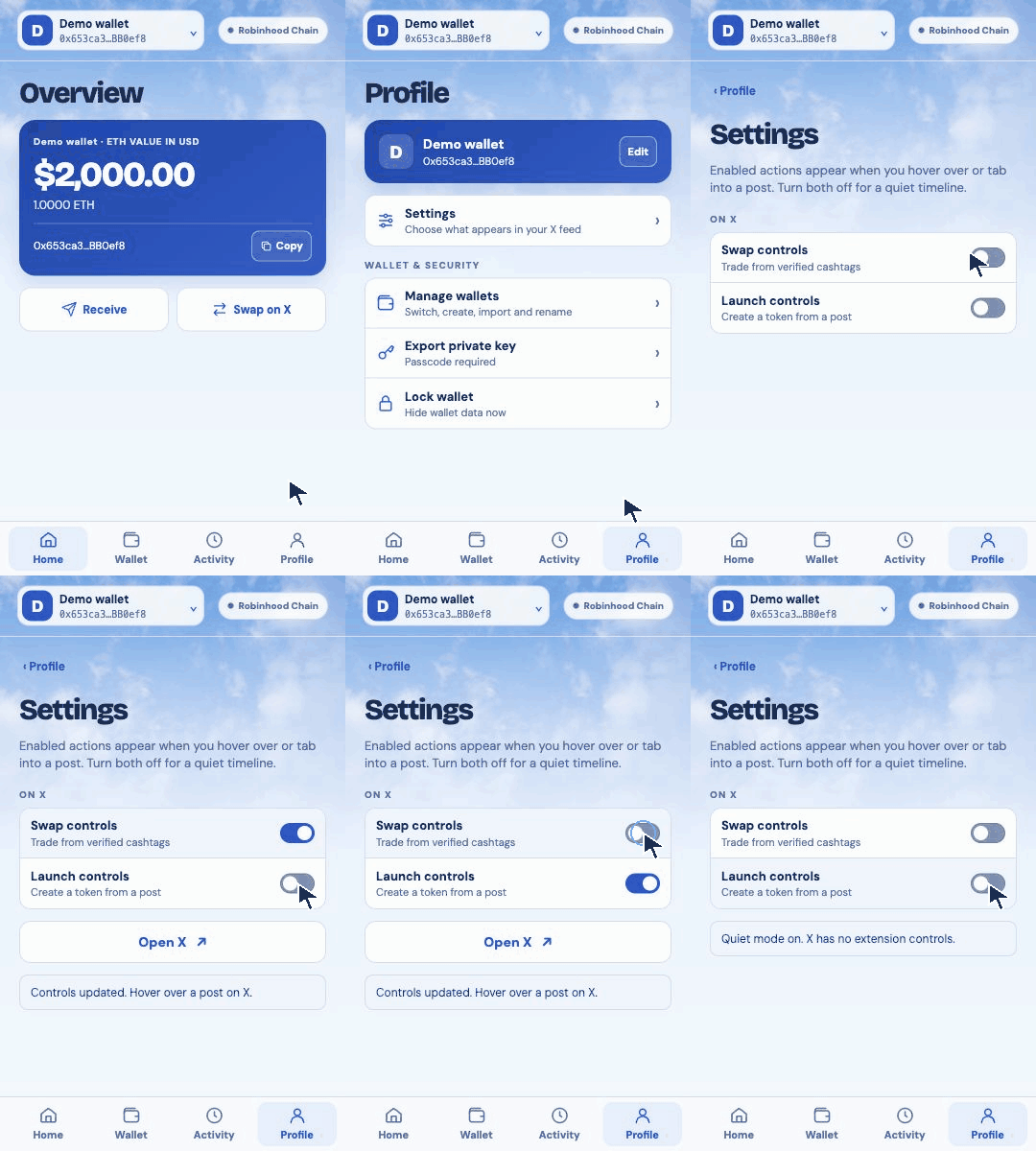
Open Chrome’s Extensions menu and pin Glyd. Create or import a wallet, enable the controls you want in Profile → Settings, then refresh X.
See the settings recording